
Send the frame to an Art-Net node.
DeviceJockey → Art-Net node
Select a discovered node or enter the network destination manually.
- Host
- IP address of the receiving Art-Net node
- Universe
- DMX universe used by the receiver
DeviceJockey
Interfaces
Control a 512-channel DMX universe through an Art-Net node on your network.
DMX over the network
An Art-Net interface maintains a complete frame of 512 DMX channels. Commands change one or more values in that frame. DeviceJockey sends the current frame to the configured Art-Net node and universe at no more than the selected refresh rate. When no channel changes, it continues sending the current frame once per second.
Select a discovered node or enter the network destination manually.
Commands update the current frame. Events can react when configured channel values change.
Each interface owns its destination, universe, refresh rate, and persistent 512-channel DMX frame.
When you reopen the app, each Art-Net interface restores the values last set for its 512 channels. A newly imported interface is the exception: all of its channels start at 0.
Setup
Place DeviceJockey and the Art-Net node on a network where they can reach each other.
Add one Art-Net interface for every universe the Scene should send.
Choose a discovered node or enter a receiver or broadcast address, then set the universe and refresh rate.
Assign Art-Net commands and events to the items that should control or display DMX values.
Interface settings
Enter one node's address for unicast. To reach multiple receivers on the same subnet, use its broadcast address, for example 192.168.0.255.
Select the universe handled by this interface. DeviceJockey accepts values from 0 through 32767; a new interface starts at universe 1.
Set the maximum update rate used while values change, from 10 Hz through 50 Hz. The default is 45 Hz.
Nodes that answer ArtPoll appear automatically. Select an entry to copy its IP address into Receiver IP, or use the refresh button to browse again.
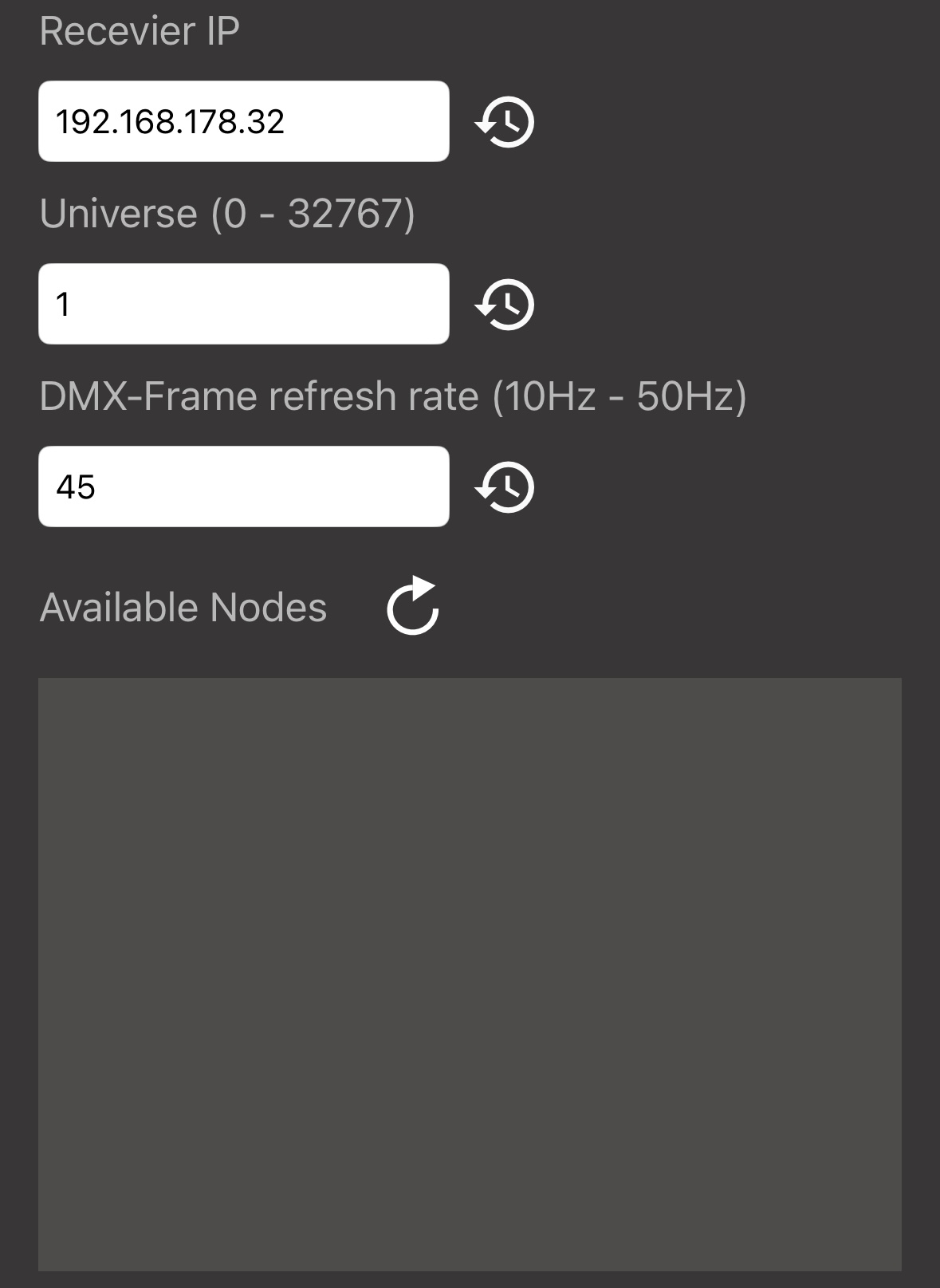
To send the same universe to multiple Art-Net nodes, enter the broadcast address of their subnet as Receiver IP—for example, 192.168.0.255. For a single node, use its individual IP address.
Addressing and resolution
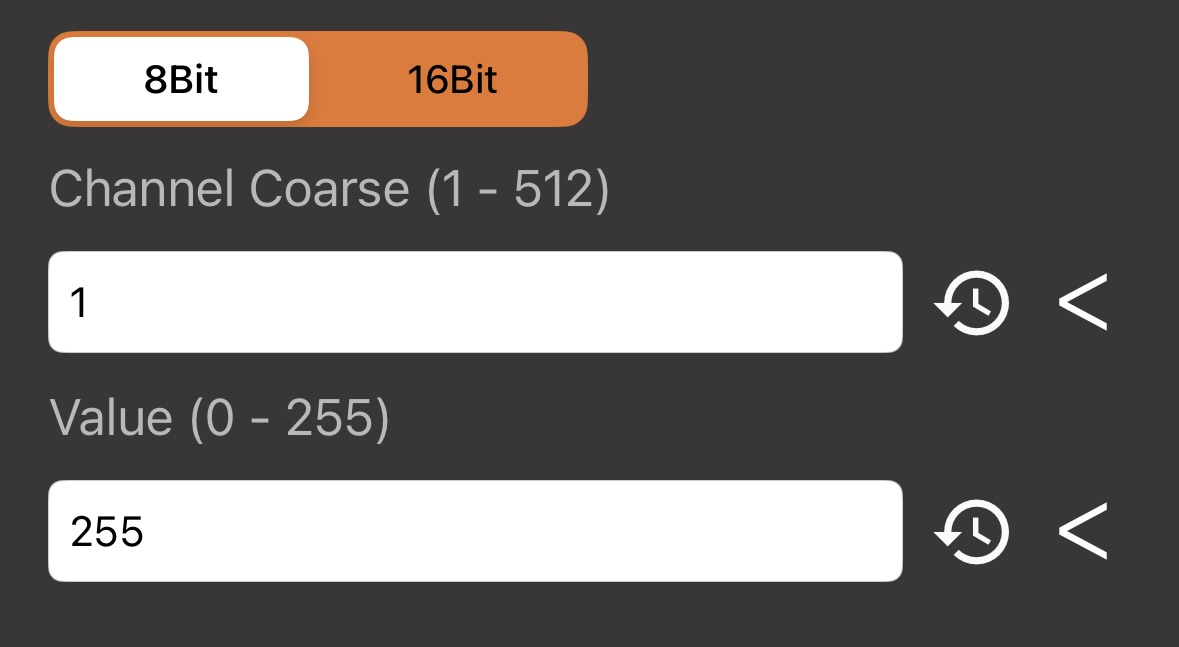
Use one DMX channel for a value from 0 to 255. This is the standard choice for dimmers and many fixture parameters.
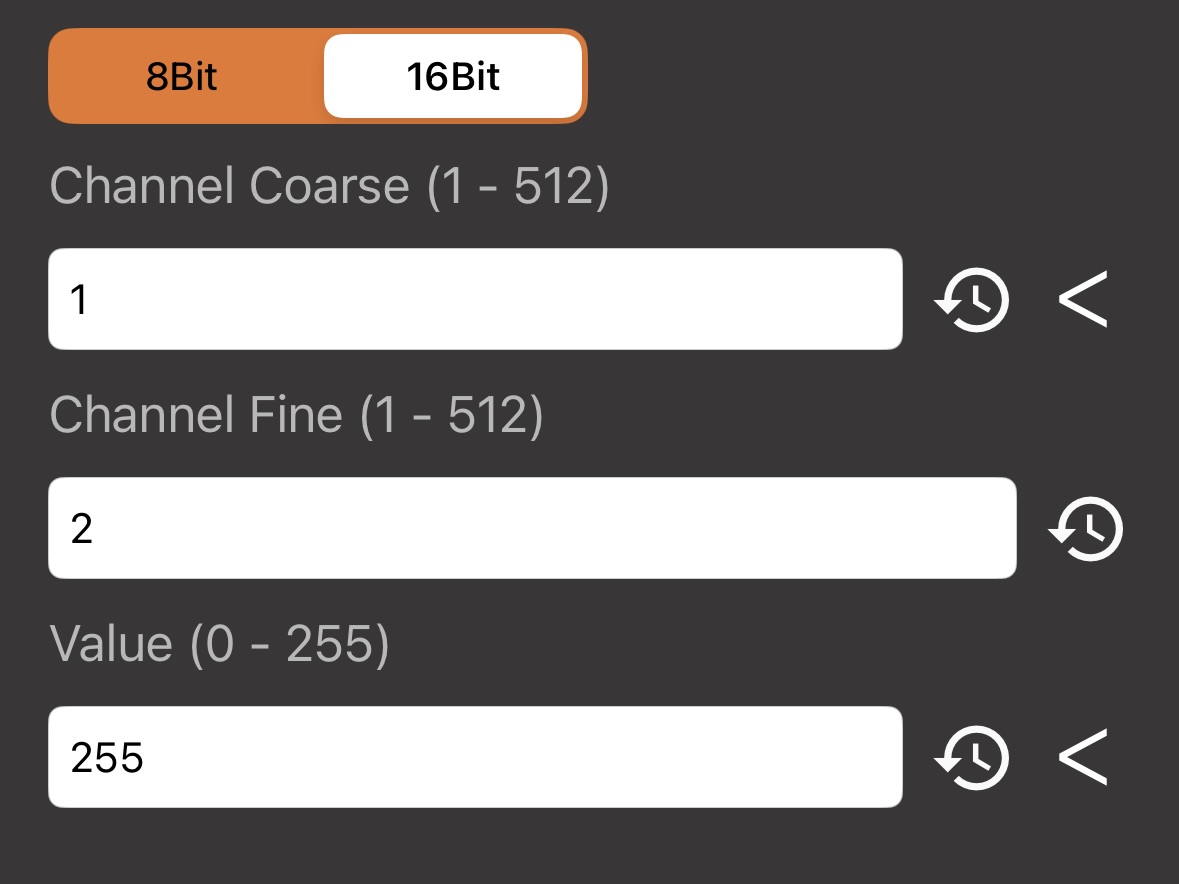
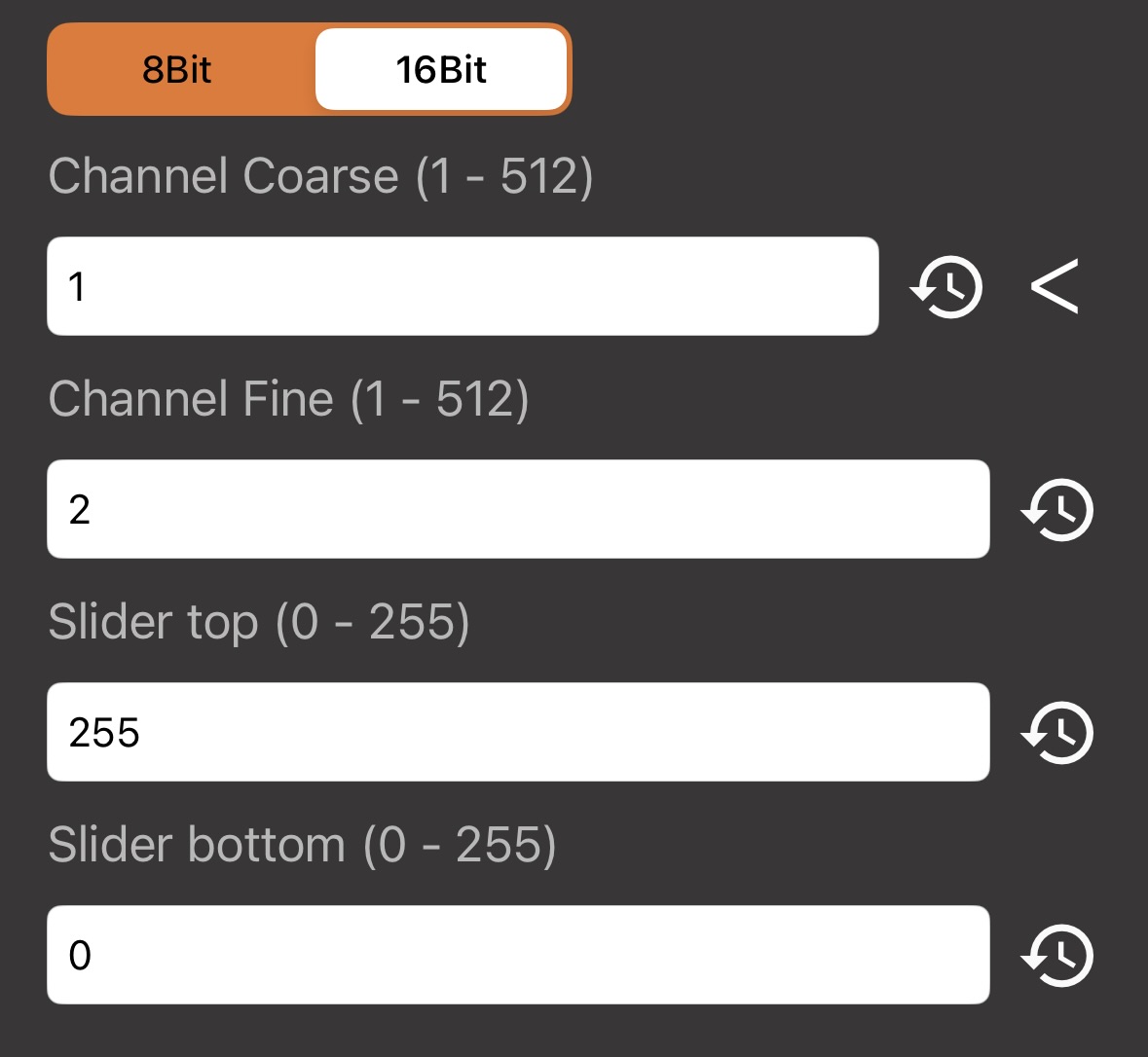
Combine a coarse channel (MSB) and a fine channel (LSB) for smoother, higher-resolution control. Both channel numbers must be configured.
Make sure DeviceJockey and the Art-Net node use the same universe for the controlled channels.
The fixture documentation defines which DMX channel controls each function and whether it uses one channel or a coarse and fine pair.
Commands →
Set one 8-bit channel or one 16-bit coarse/fine pair to a fixed value from 0 through 255. Decimal values provide the fine portion in 16-bit mode.
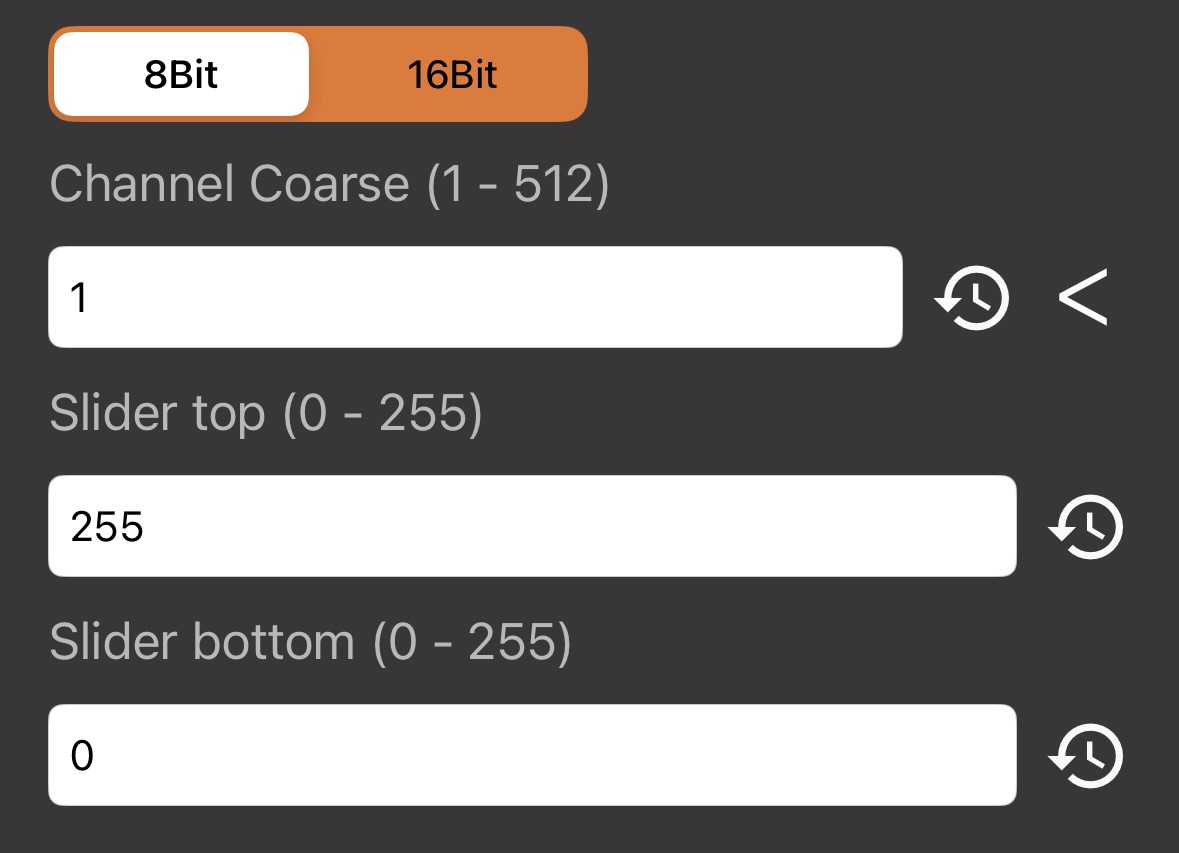
Map an Item's continuous position between Slider Bottom and Slider Top. Choose 8-bit or 16-bit resolution and the required channel or channel pair.
Set all 512 values in this interface's current DMX frame to 0.
Run JavaScript that can update one or more 8-bit or 16-bit DMX values with sendArtNet().
Serialize selected channel values from the current DMX frame into a chosen Swap.
See DMX storage →Recall selected values from the chosen Swap immediately or animate the change at a slow or fast speed.
See DMX storage →The first form updates one 8-bit channel. Add the fine channel as a third argument for 16-bit output.
sendArtNet(128, 1)
sendArtNet(128, 1, 2)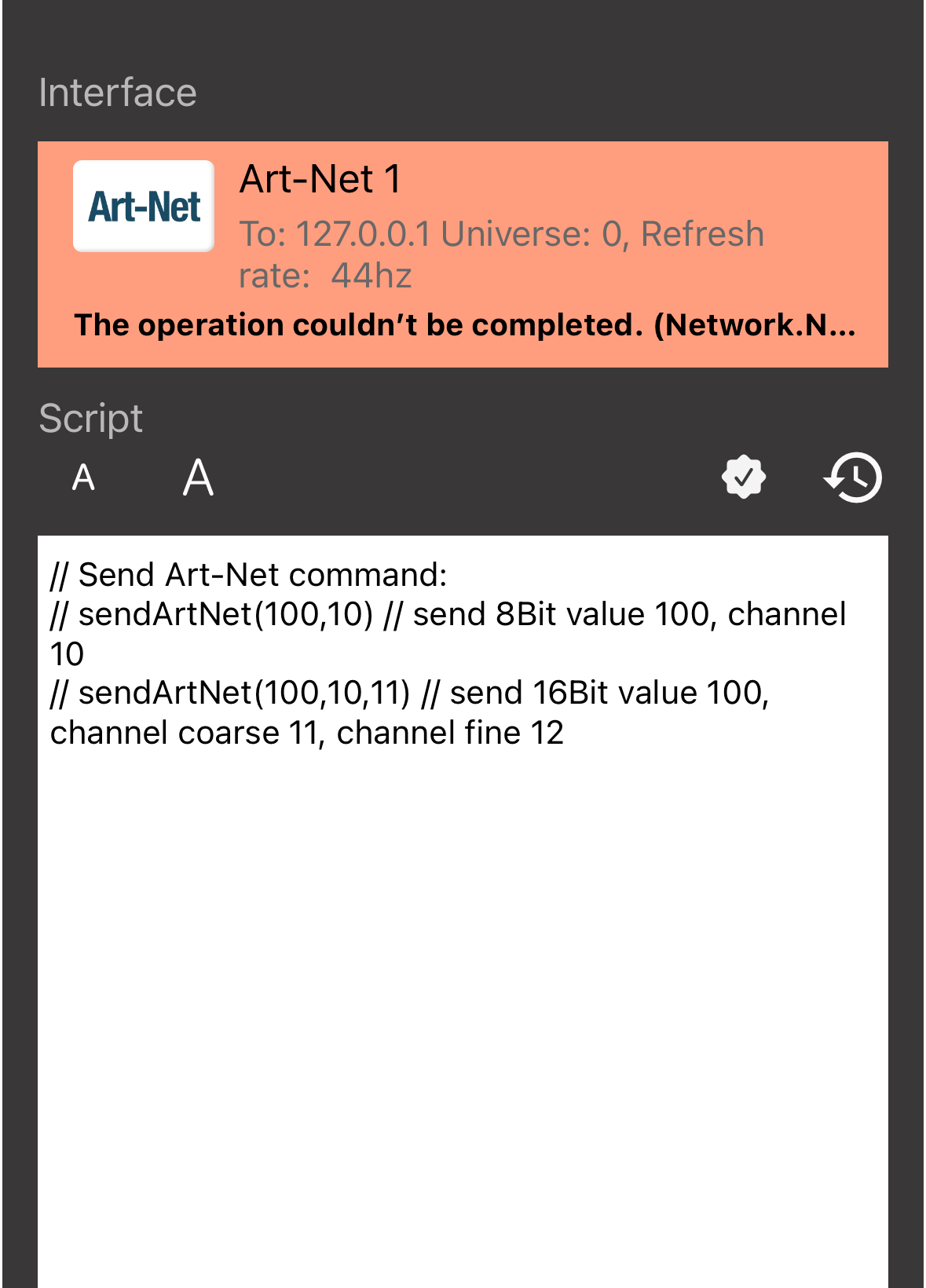
← Events
Art-Net events read configured channels from the interface’s current DMX frame. Depending on the selected item event, DeviceJockey can compare a value, map a range, update a label, change a toggle state, or apply an overlay color. Both 8-bit channels and 16-bit coarse and fine pairs are supported.
React when an 8-bit or 16-bit channel value matches the configured value. Depending on the Item action, this can also control light or toggle state.
Map the configured DMX minimum and maximum to a Slider, Rotary, or supported color state.
Display the DMX value as Item text. 8-bit values use whole numbers; 16-bit values use two decimal places. An optional Script can format the result.
DeviceJockey evaluates the interface's current DMX frame so Items can restore the corresponding state without waiting for a new value change.
DMX storage
Save DMX serializes a selected set of channels into a Swap. Load DMX reads that data and applies only the selected values that were previously saved.
1 2 3 4 512
1-512
(50,51) selects coarse/MSB channel 50 and fine/LSB channel 51.
Apply the stored values immediately without animation.
Animate the change slowly from the current values to the stored values.
Animate the change quickly from the current values to the stored values.
Art-Net Save DMX needs an existing Swap in which to store the selected channel values. Select the same Swap in Art-Net Load DMX to recall them later.
Learn how to create and use Swaps →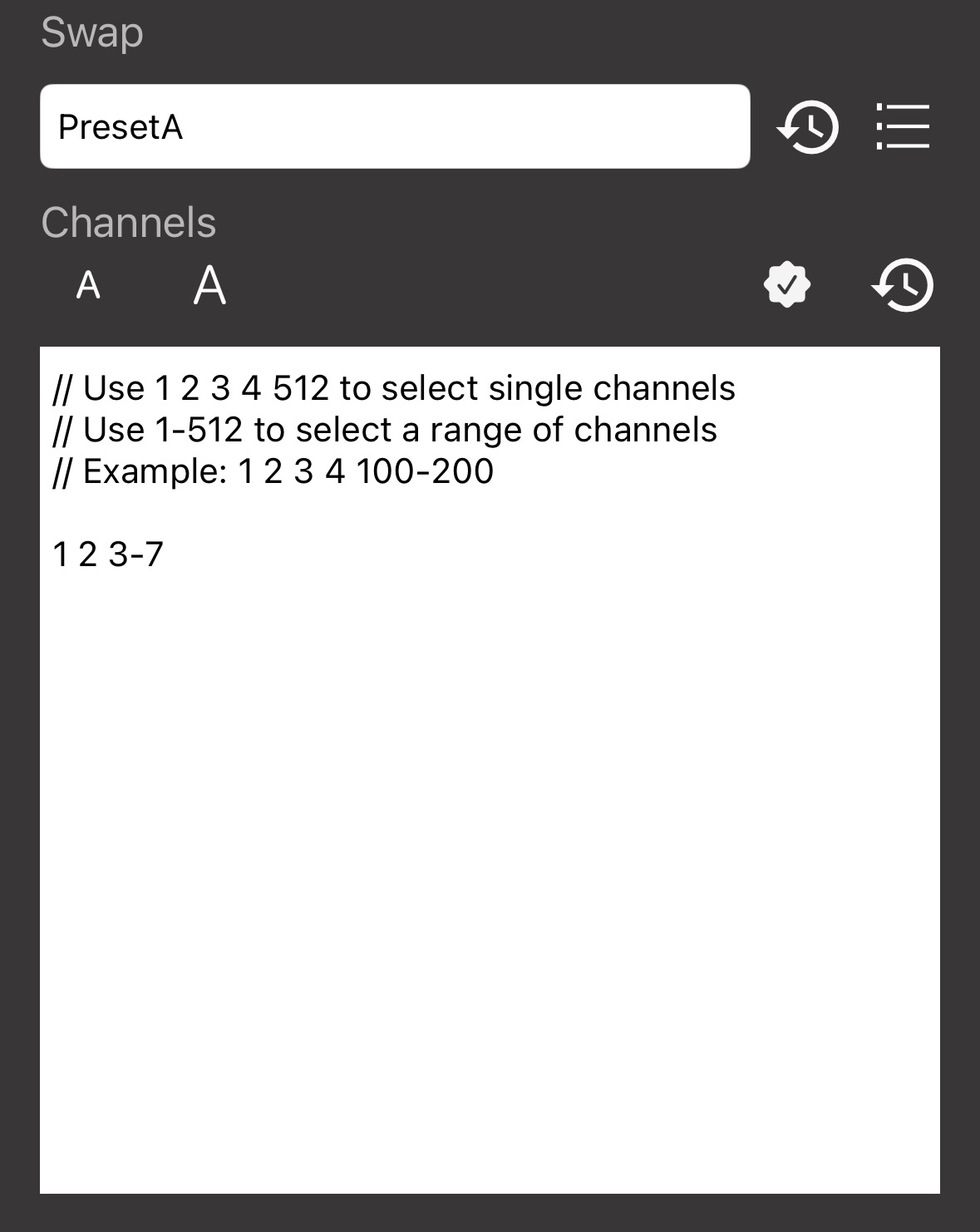
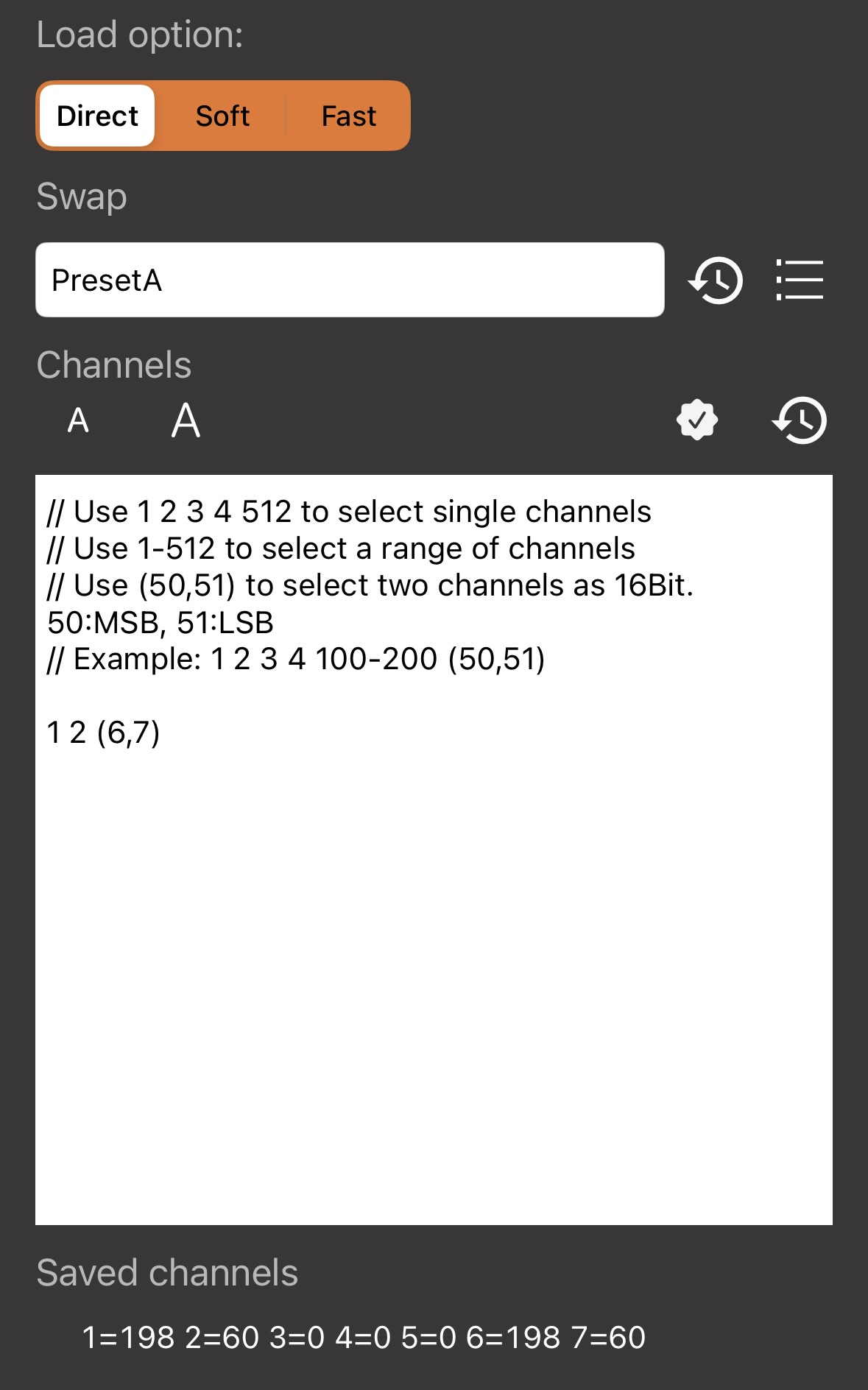
 Check the channel expression before saving the Command.
The check button validates the selection and previews the matching values. Load DMX also lists the channels stored in the selected Swap.
Troubleshooting
Confirm that DeviceJockey and the Art-Net node can reach each other on the local network.
Select the detected node again or compare the configured IP address with the node’s current address.
For one receiver, use its exact IP address. For several receivers, confirm that the configured broadcast address matches the subnet.
The interface and receiving node must use the same Art-Net universe.
Verify channel numbers, fixture start address, and 8-bit or 16-bit resolution.
Use a rate supported by the network and receiving equipment.